
POS
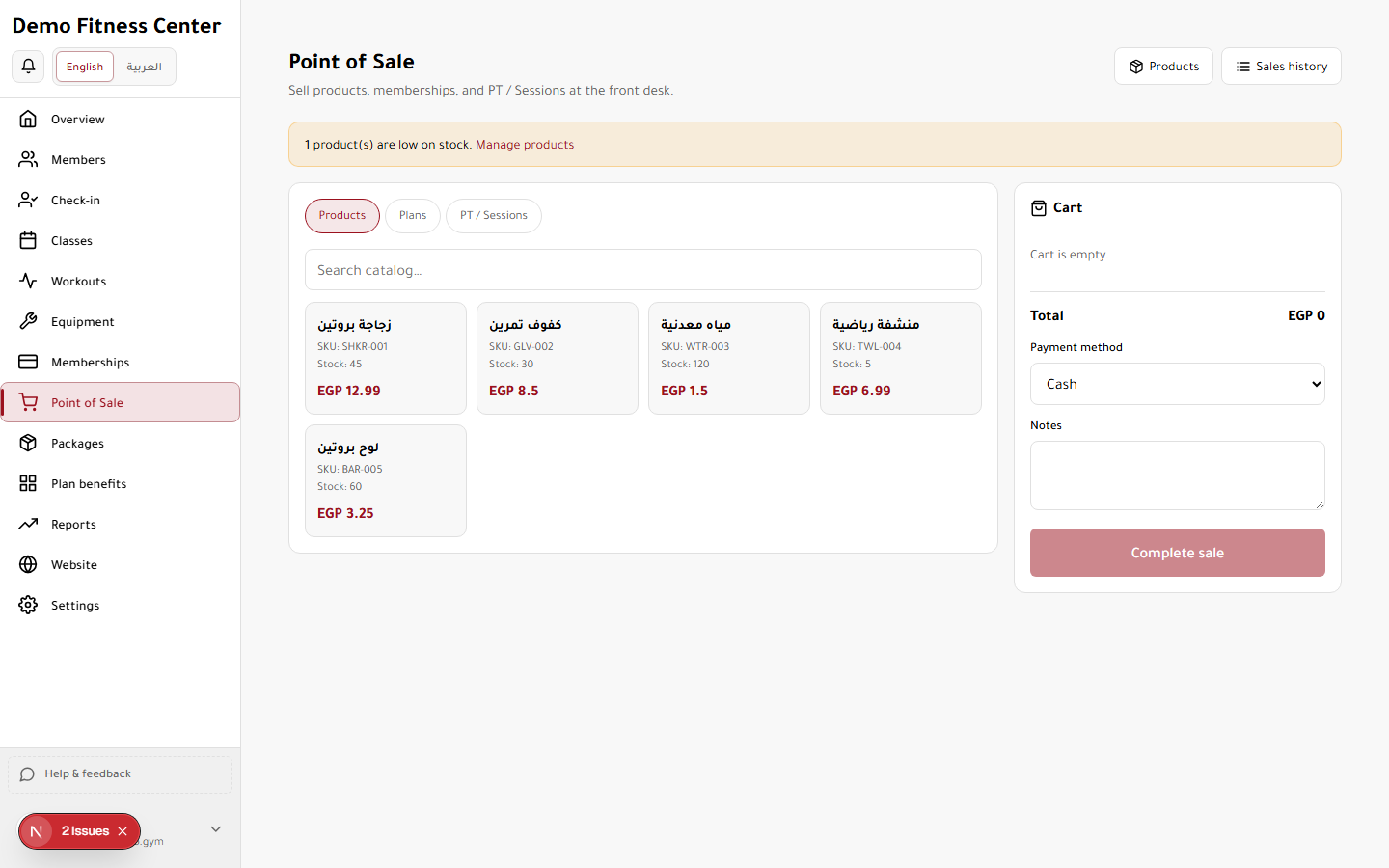
Point of sale for products, packages, and quick transactions at the front desk.
Access
Roles: Owner, Manager, Staff
Tier feature: pos (soft gate — owner always sees nav)
URL: https://demo.gymu.net/dashboard?view=pos
How to use
- Open POS from the sidebar.
- Add items to cart from products or packages.
- Complete sale and print/receipt.
- View history under POS sales.
Tips & notes
Without the POS tier feature, owners still see the nav item but get an upgrade prompt inside the view.