
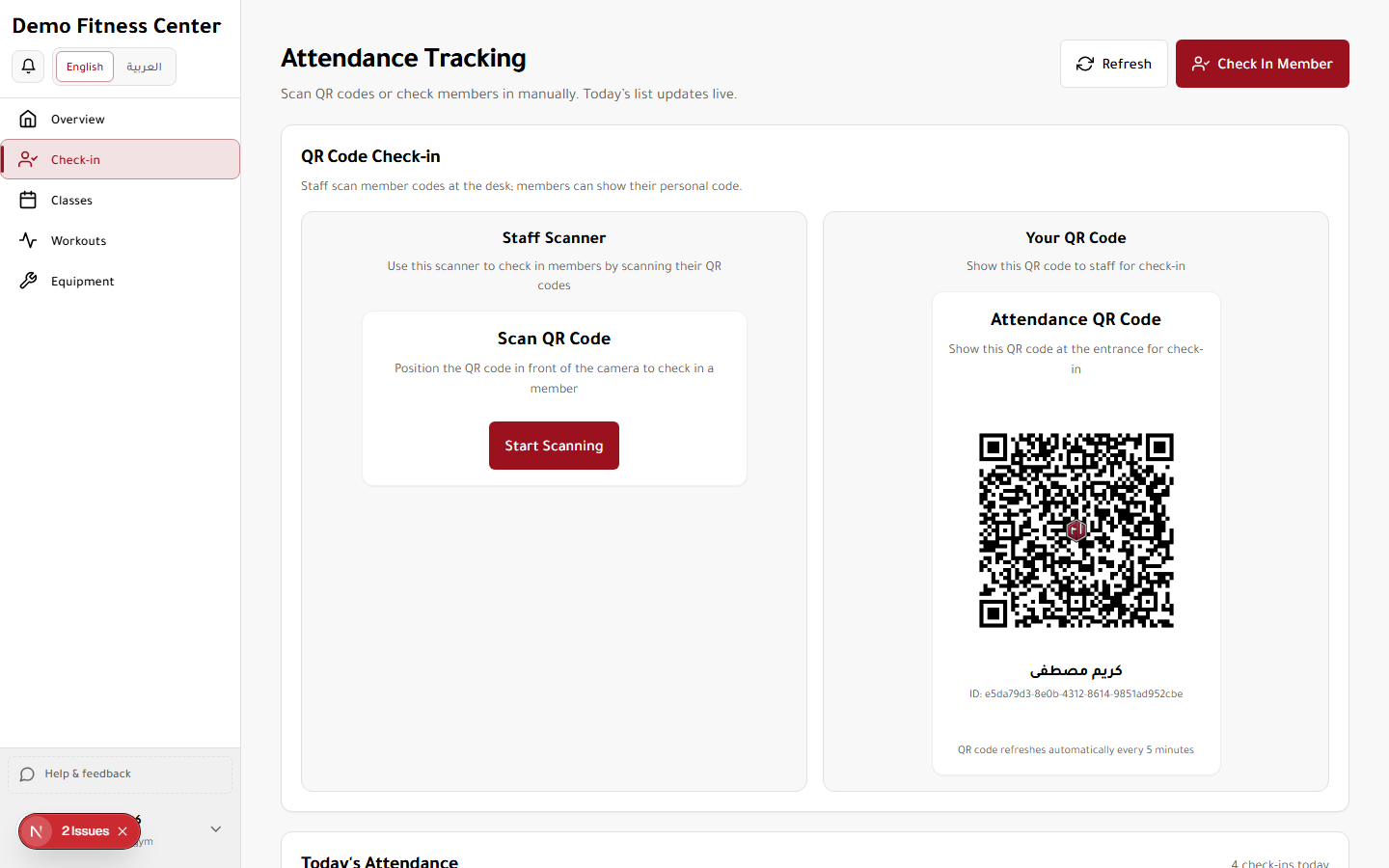
Check-in
Scan member QR codes or manually check members in. View today's attendance log.
Access
Roles: Owner, Manager, Staff, Trainer
Tier feature: attendance_tracking
URL: https://demo.gymu.net/dashboard?view=attendance
How to use
- Open Check-in from the sidebar.
- Use the Hardware tab (default) with a USB/desk QR scanner. The desk scanner stays active even if you open the Camera tab.
- Or switch to Camera to scan with the device camera.
- Or search and check in manually.
- Review the attendance log for today. Success and failure show a toast and a short beep.